Back
Websites

Connections Sanctuary

A clear, trustworthy digital platform for care services and placement pathways.

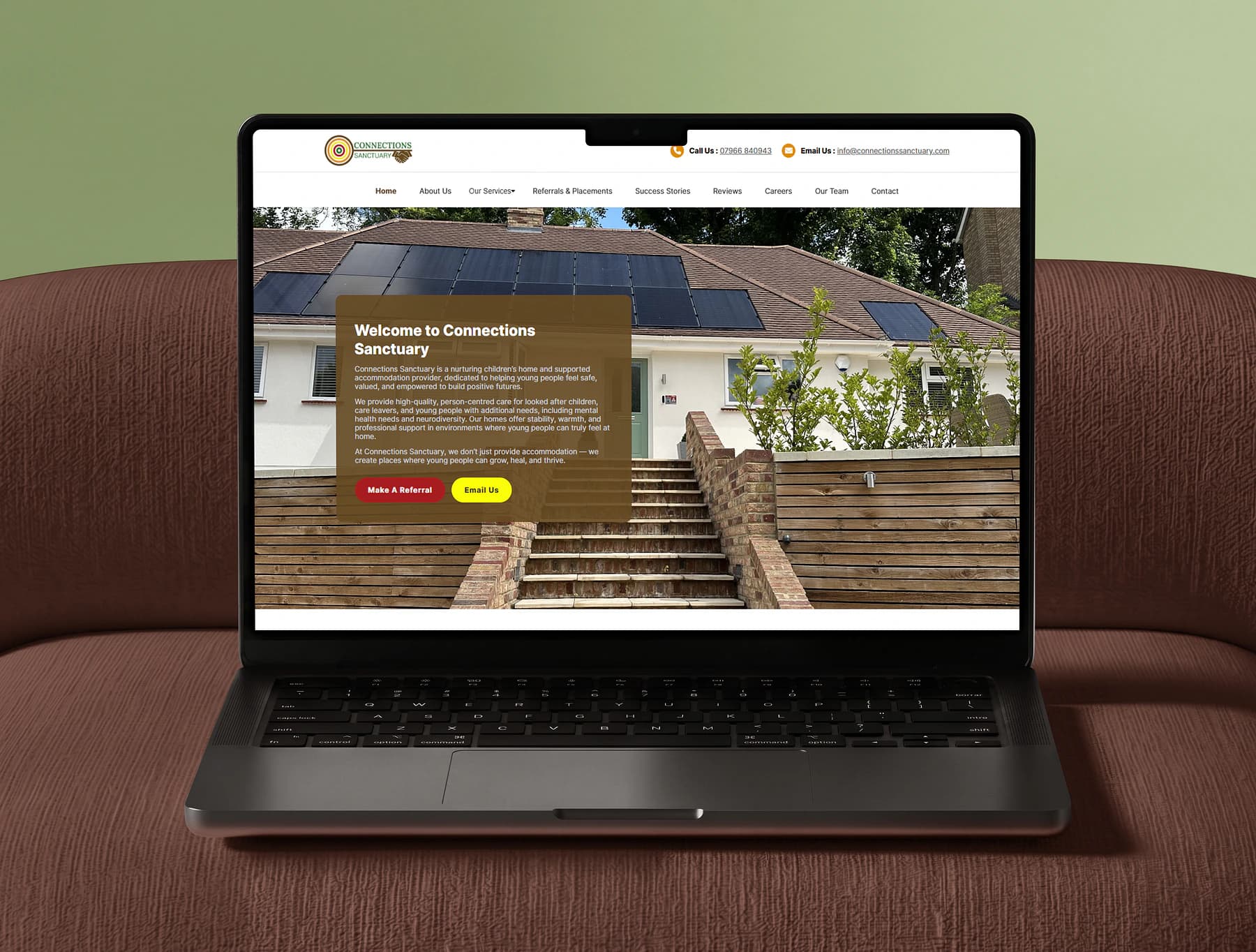
Connections Sanctuary website displayed on a realistic MacBook Pro mockup
Overview

Building trust and clearer pathways through a care-sector digital system

Care and supported-accommodation providers need to communicate trust, safety, professionalism, and warmth while presenting information that can be detailed, regulated, and sensitive.

Connections Sanctuary required a website that could explain its care model, services, placement process, values, team, safeguarding approach, and opportunities without overwhelming visitors.

The project also needed structured digital workflows for referrals, placement enquiries, career vacancies, and administrative content management.
The Challenge

Balancing emotional warmth with professional credibility

Different visitors arrive with very different goals. A social worker may need to assess placement suitability, a family member may want reassurance about the care environment, a candidate may be looking for a vacancy, and a young person may want to understand what living in the home could feel like.

The information architecture therefore needed to make complex service information easier to navigate while providing clear routes into referrals, placements, contact, and careers.

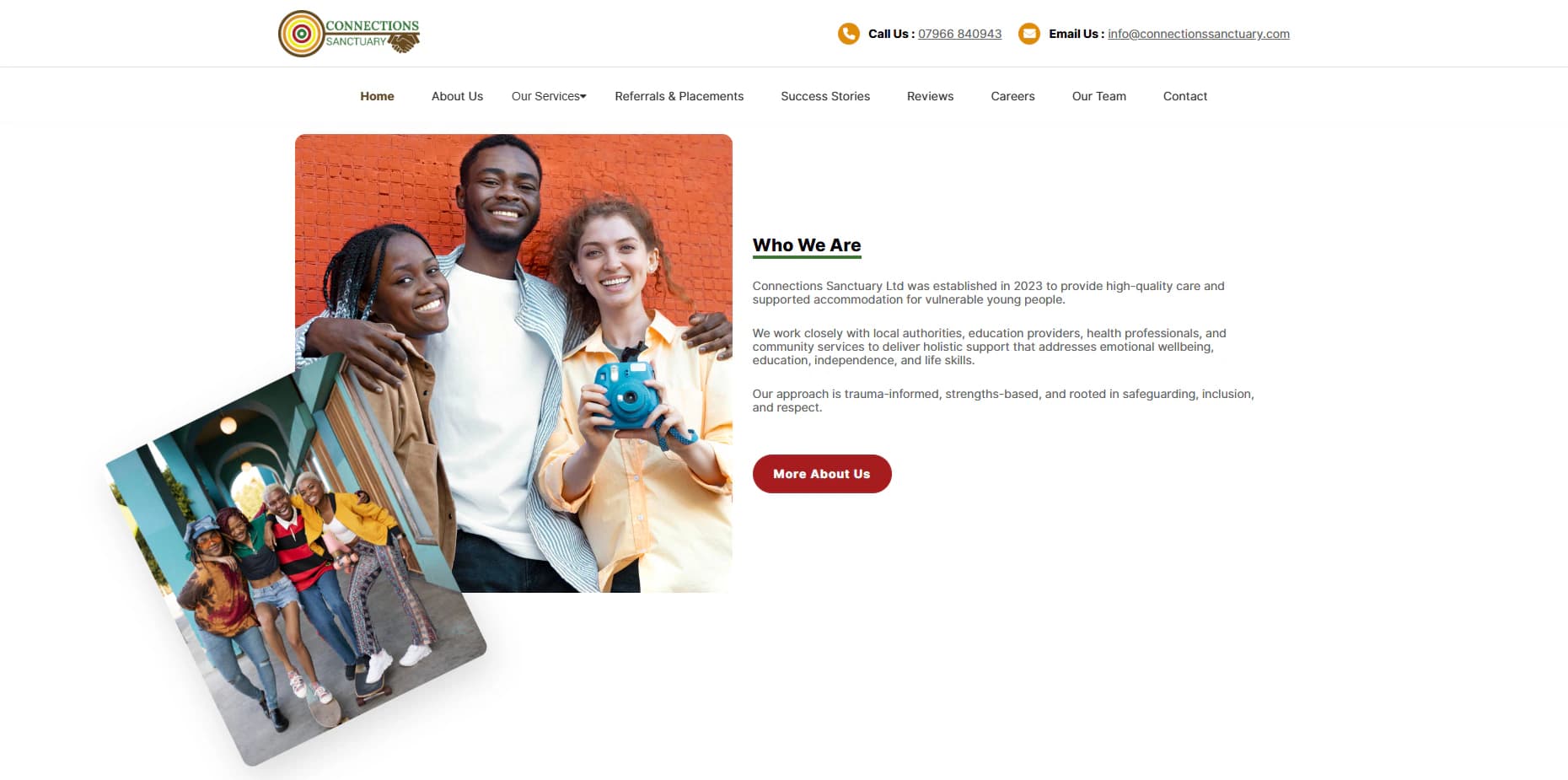
Connections Sanctuary Who We Are section on desktop
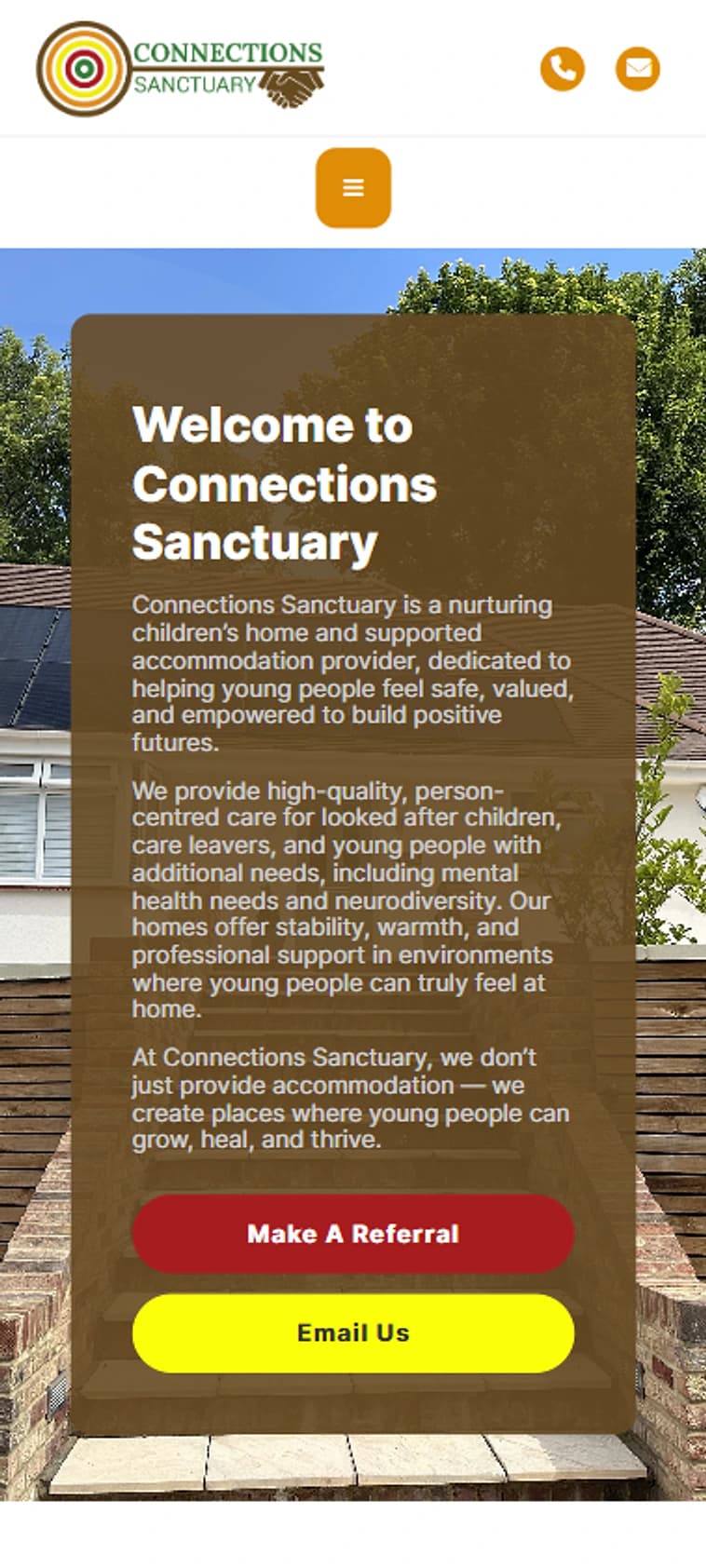
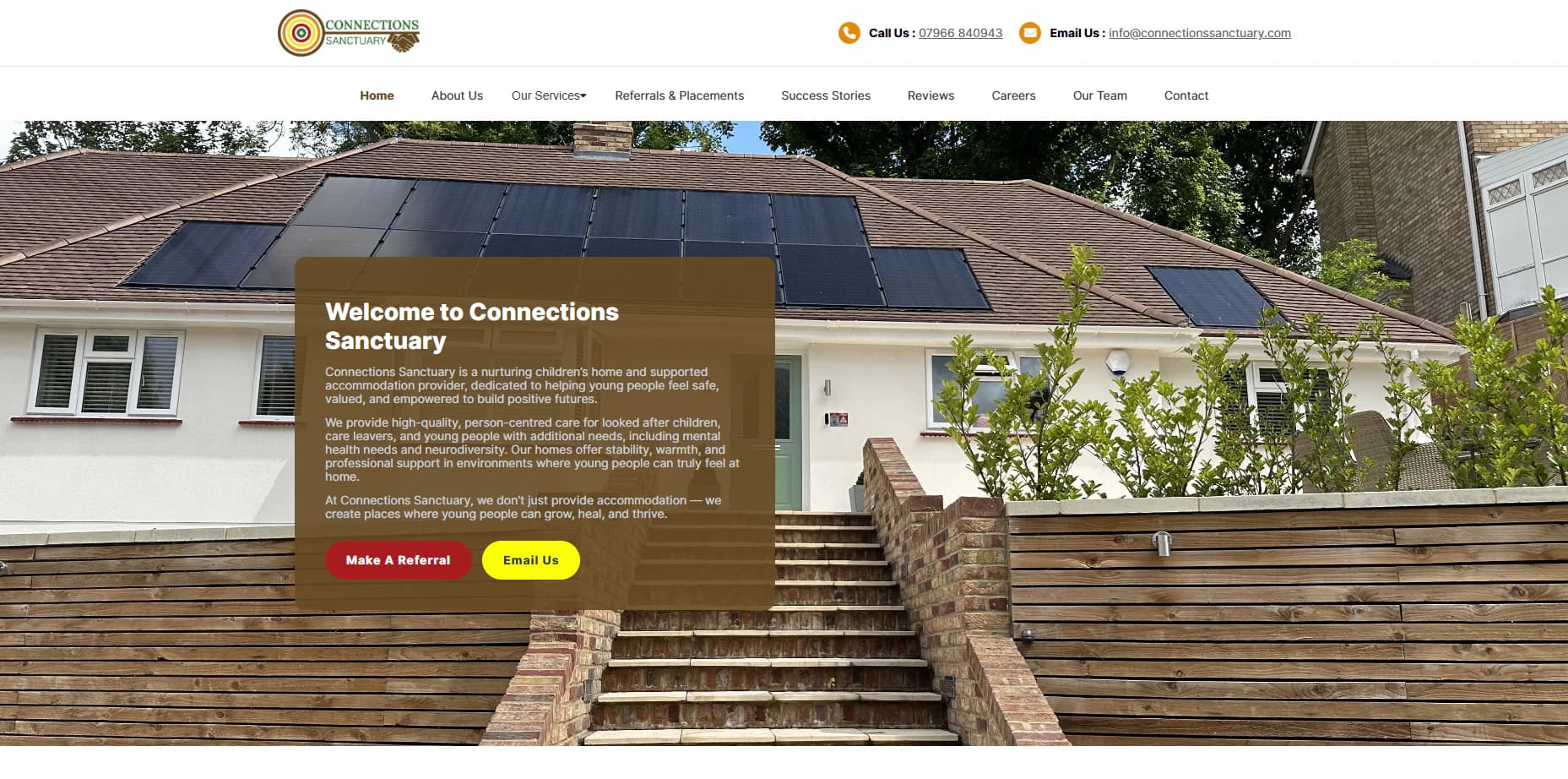
Connections Sanctuary website homepage for a children's home and supported-accommodation provider

The Solution

A structured public experience connected to practical management tools

The final platform uses a clear page hierarchy, approachable visual design, structured service content, direct calls to action, and responsive layouts across desktop and mobile devices.

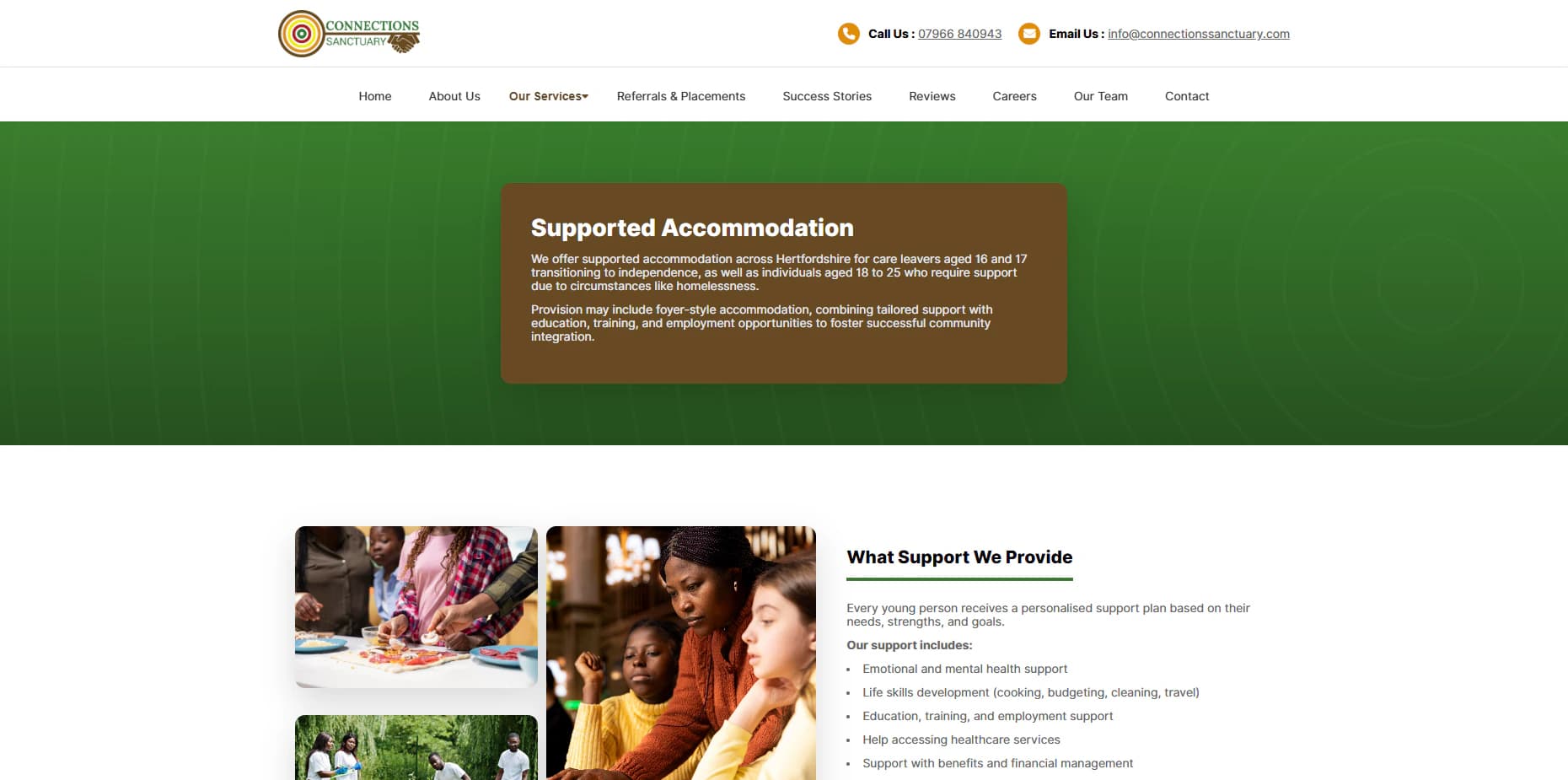
Dedicated pages explain the registered children's home, supported accommodation, referral process, safeguarding approach, team, careers, reviews, and success stories. Structured forms provide a clearer route for professional enquiries, while authorised users can manage submissions, careers content, and relevant website information.

Design Direction

Warm, approachable presentation without losing clarity

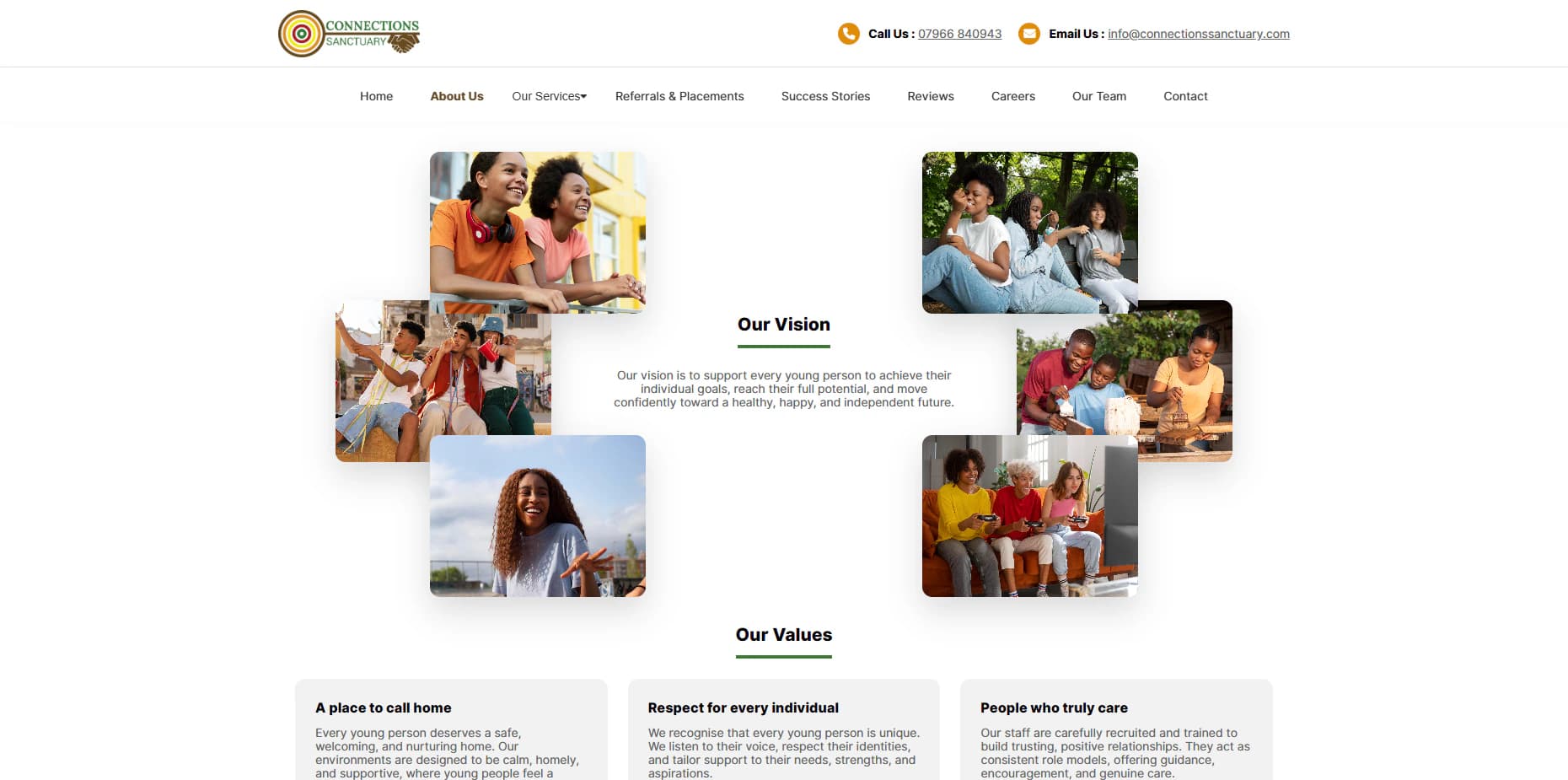
The visual direction combines generous spacing, friendly imagery, clear typography, soft shapes, and confident calls to action. The interface avoids an overly clinical or institutional appearance while maintaining the clarity and seriousness expected from a care provider.

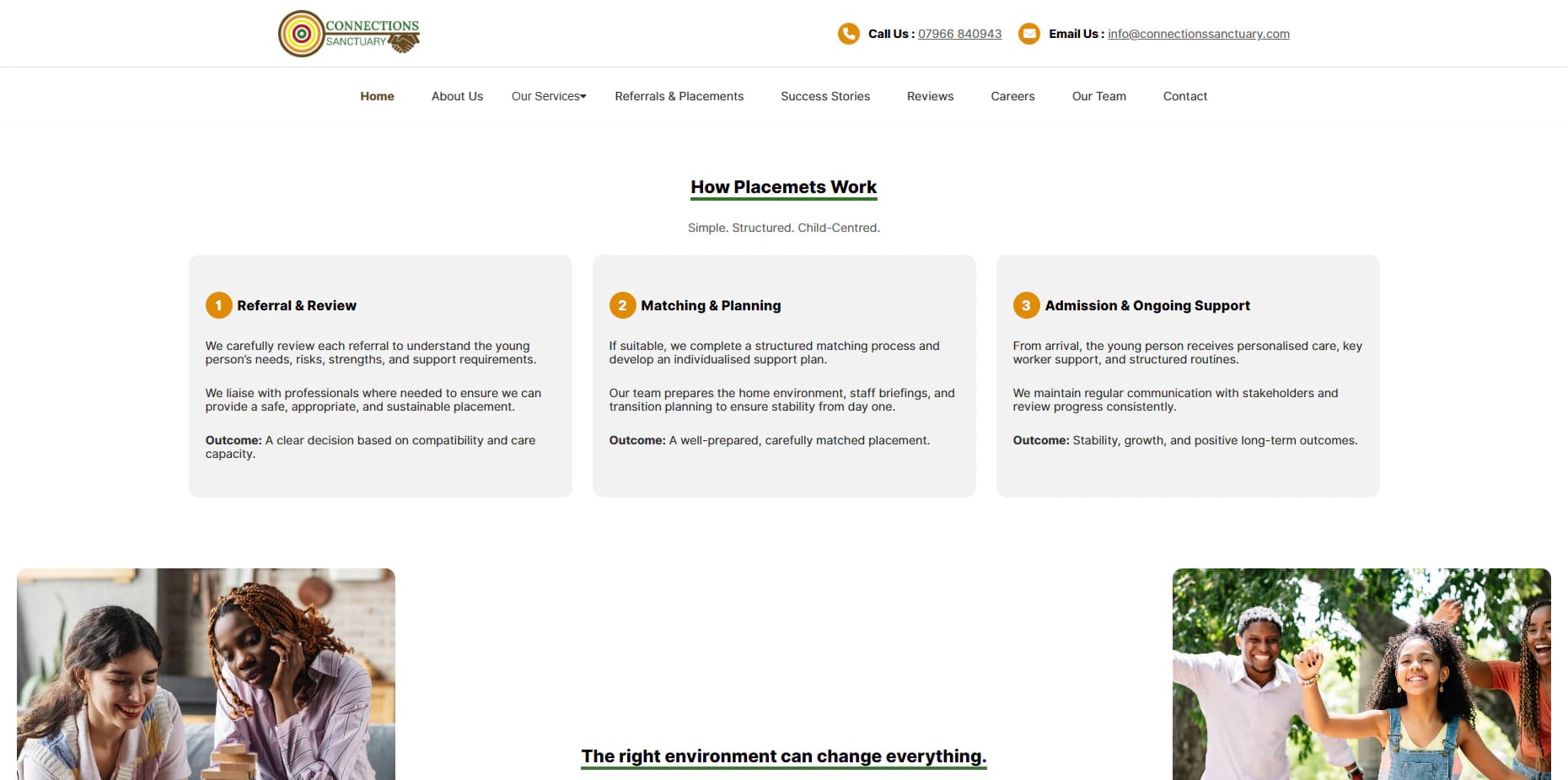
Information is divided into focused sections, cards, process steps, and supporting calls to action so visitors can understand both the organisation's values and its practical services.

Connections Sanctuary vision and values page on desktop
Connections Sanctuary placement process explaining referral review, matching, and admission

Information Architecture

Organised around the questions and tasks of distinct audiences

Primary content areas include:

  • Organisational background
  • Registered children's-home services
  • Supported accommodation
  • Referrals and placements
  • Safeguarding and policies
  • Team information
  • Careers
  • Success stories and reviews
  • Frequently asked questions
  • Contact information

Referral Workflow

Turning a fragmented enquiry into a clearer placement pathway

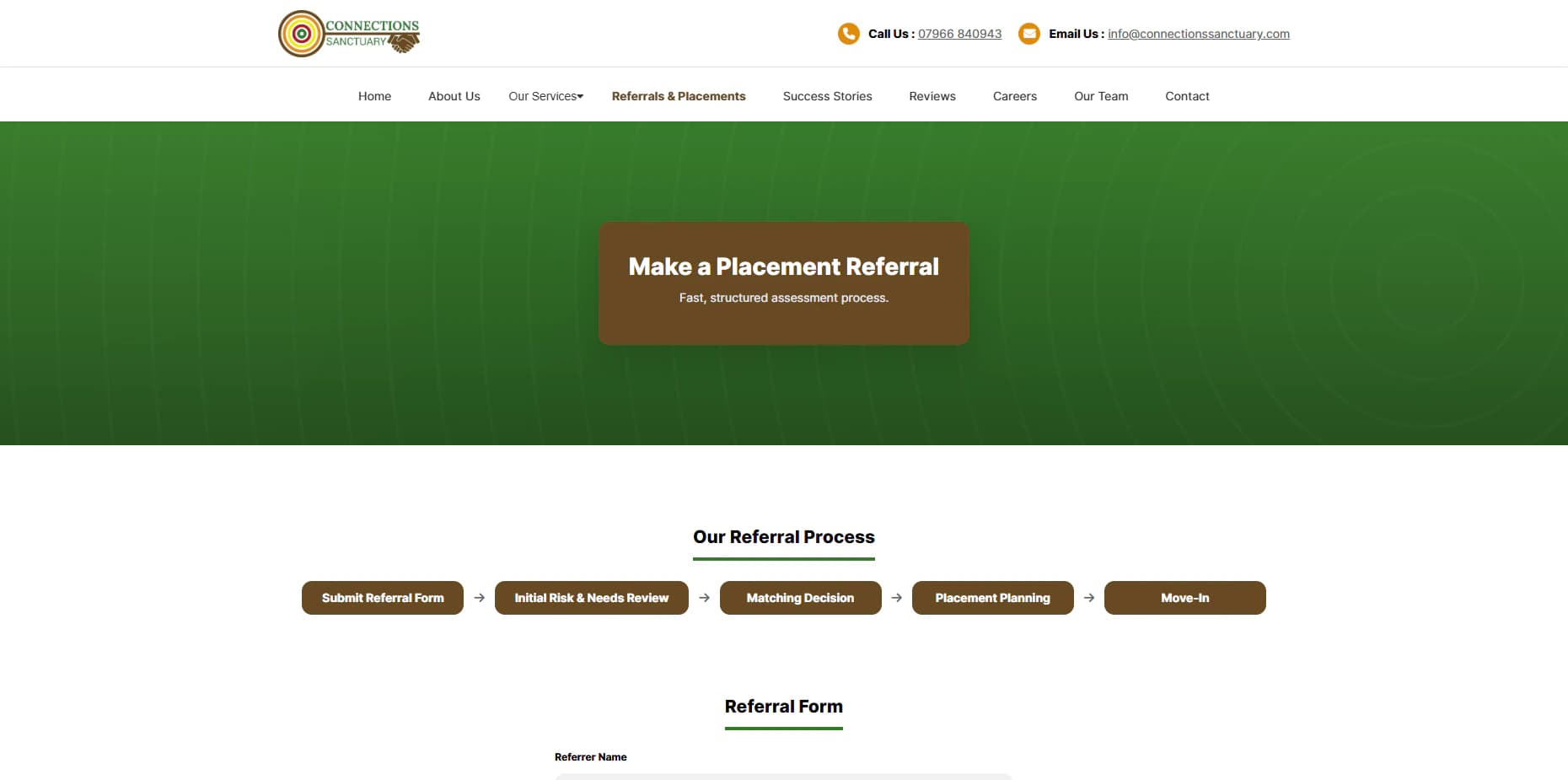
The referrals and placements experience helps professional visitors review the placement approach, understand the stages involved, and submit relevant initial information through a structured form.

The administrative system gives authorised team members a clearer way to review submitted enquiries, inspect record details, and organise workflow statuses without exposing operational records publicly.

Connections Sanctuary referral and placement enquiry experience
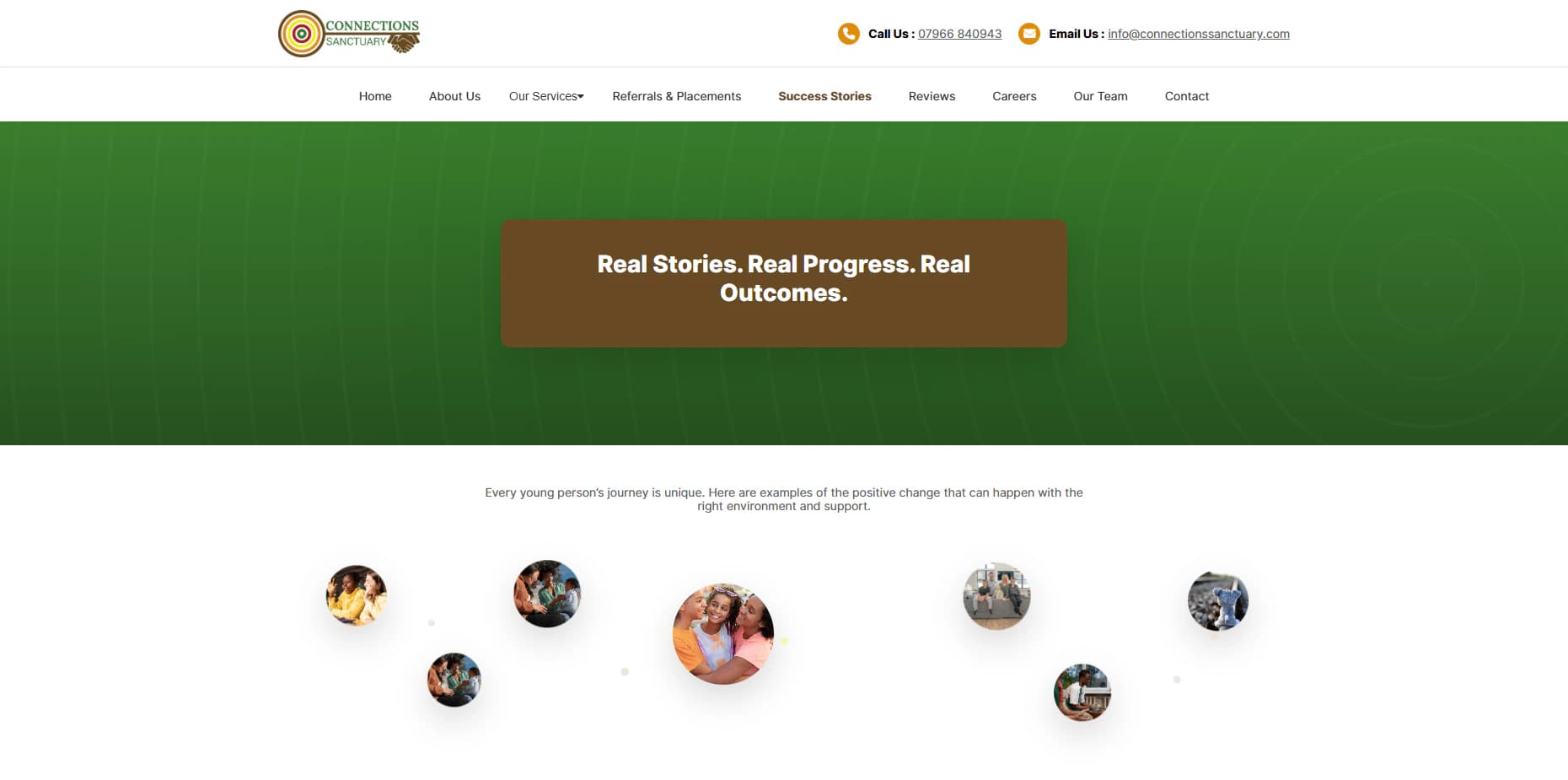
Connections Sanctuary success stories page on desktop

Admin Management

Operational content and enquiries managed in one secure area

A role-protected administrative area supports the ongoing management of operational website content. Depending on assigned permissions, authorised users can review referral and placement submissions, manage career vacancies, inspect record details, organise submission statuses, and maintain relevant public content.

This case study deliberately keeps the management system at a high level and does not expose private applicant details, referral information, credentials, internal URLs, or security configuration.

Responsive Experience

Important information and forms remain usable on smaller screens

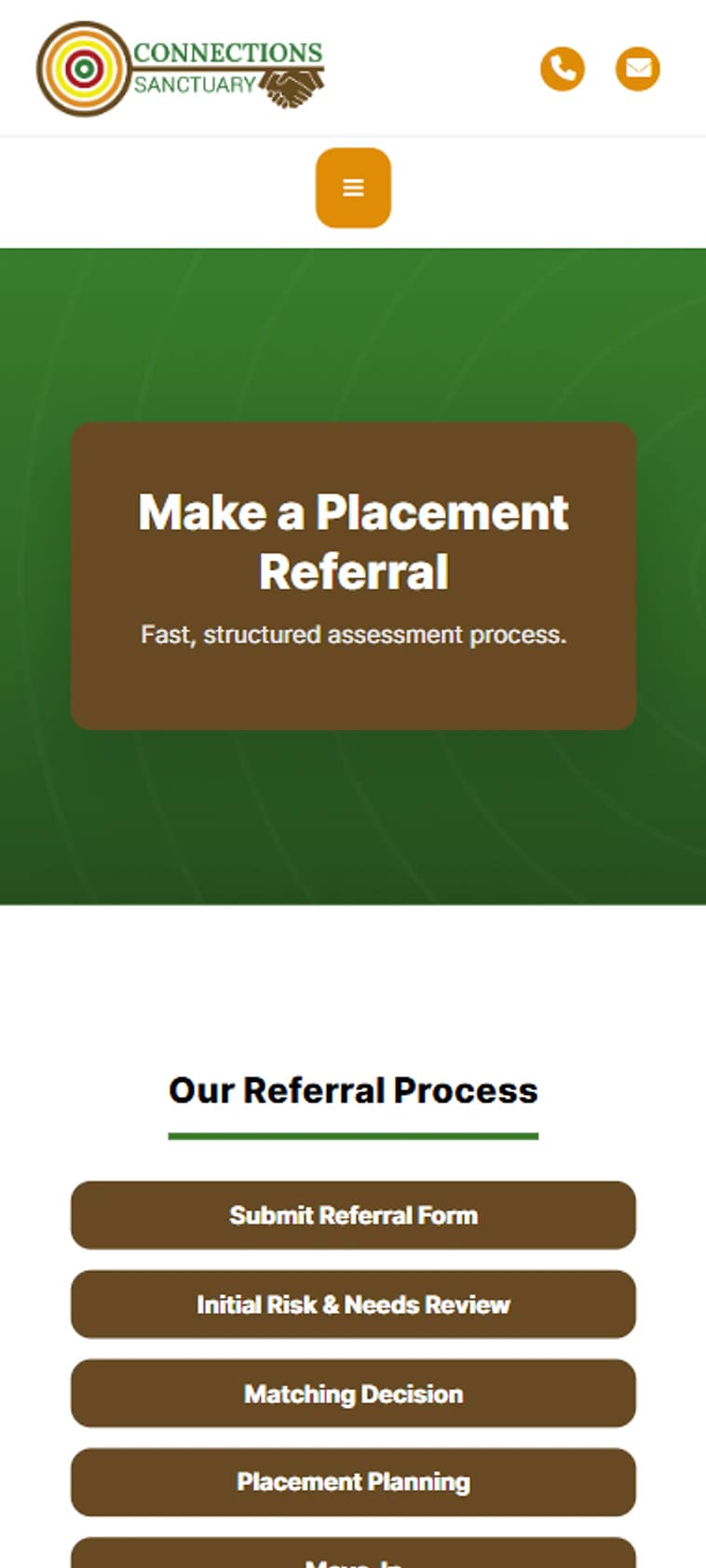
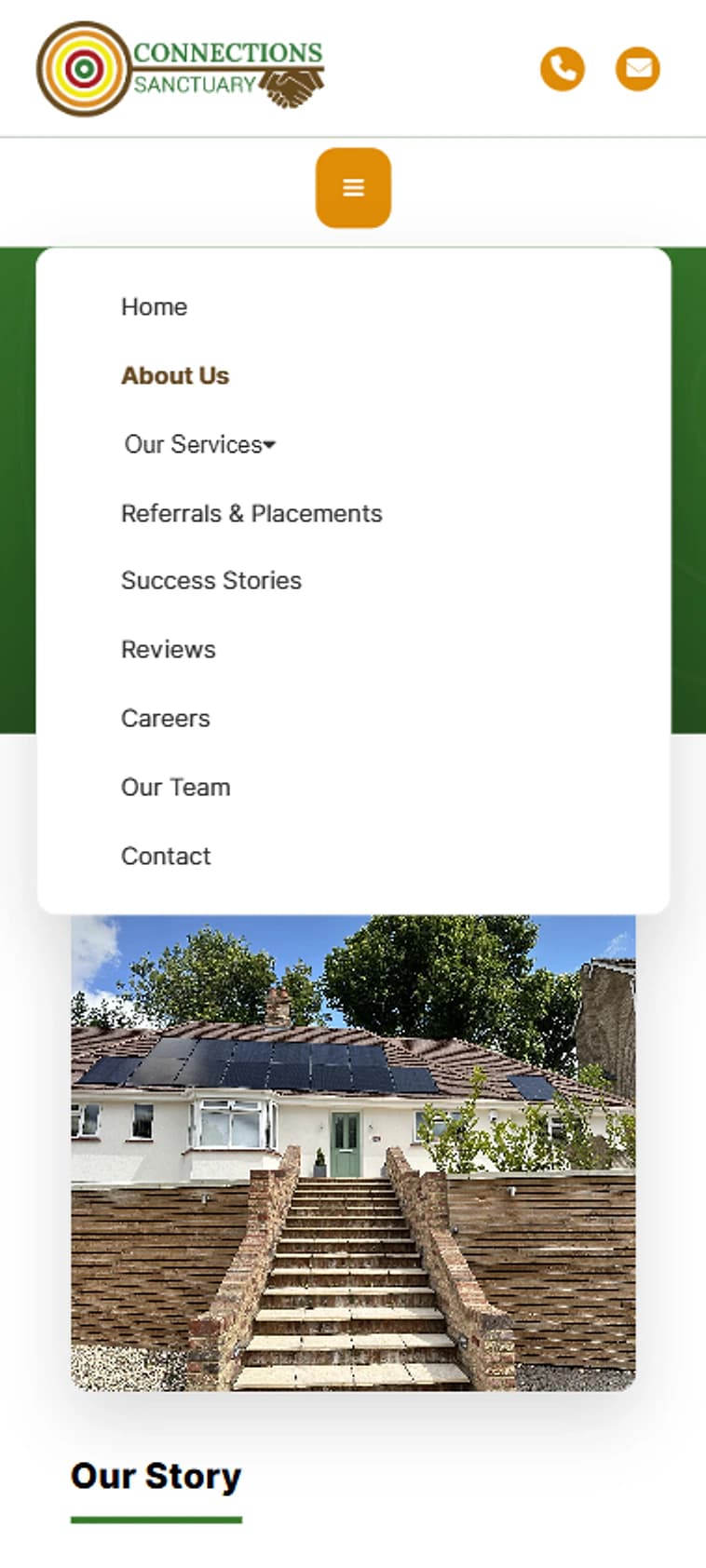
Navigation, service cards, forms, process sections, imagery, and calls to action adapt across desktop, tablet, and mobile devices without losing access to essential information.

Particular attention was given to mobile reading, form usability, spacing, touch targets, and avoiding horizontal overflow.

Connections Sanctuary mobile referral and placement pathway
Connections Sanctuary mobile navigation menu

Audiences

A platform serving professional, family, community, and employment journeys

The experience supports several intersecting audiences:

  • Local authorities and placement teams
  • Social workers and care professionals
  • Looked-after children and young people
  • Care leavers
  • Families and guardians
  • Education and healthcare partners
  • Prospective care employees
  • Community and professional stakeholders

Core Capabilities

Public communication and practical workflows in one platform

Implemented platform capabilities include:

  • Responsive public website
  • Registered children's-home service pages
  • Supported-accommodation information
  • Referral and placement submission workflows
  • Referral status management
  • Careers and vacancy management
  • Team and organisational content
  • Success stories and reviews
  • Safeguarding and policy information
  • Contact and enquiry pathways
  • Administrative dashboard
  • Mobile-responsive forms
  • Role-protected administrative access
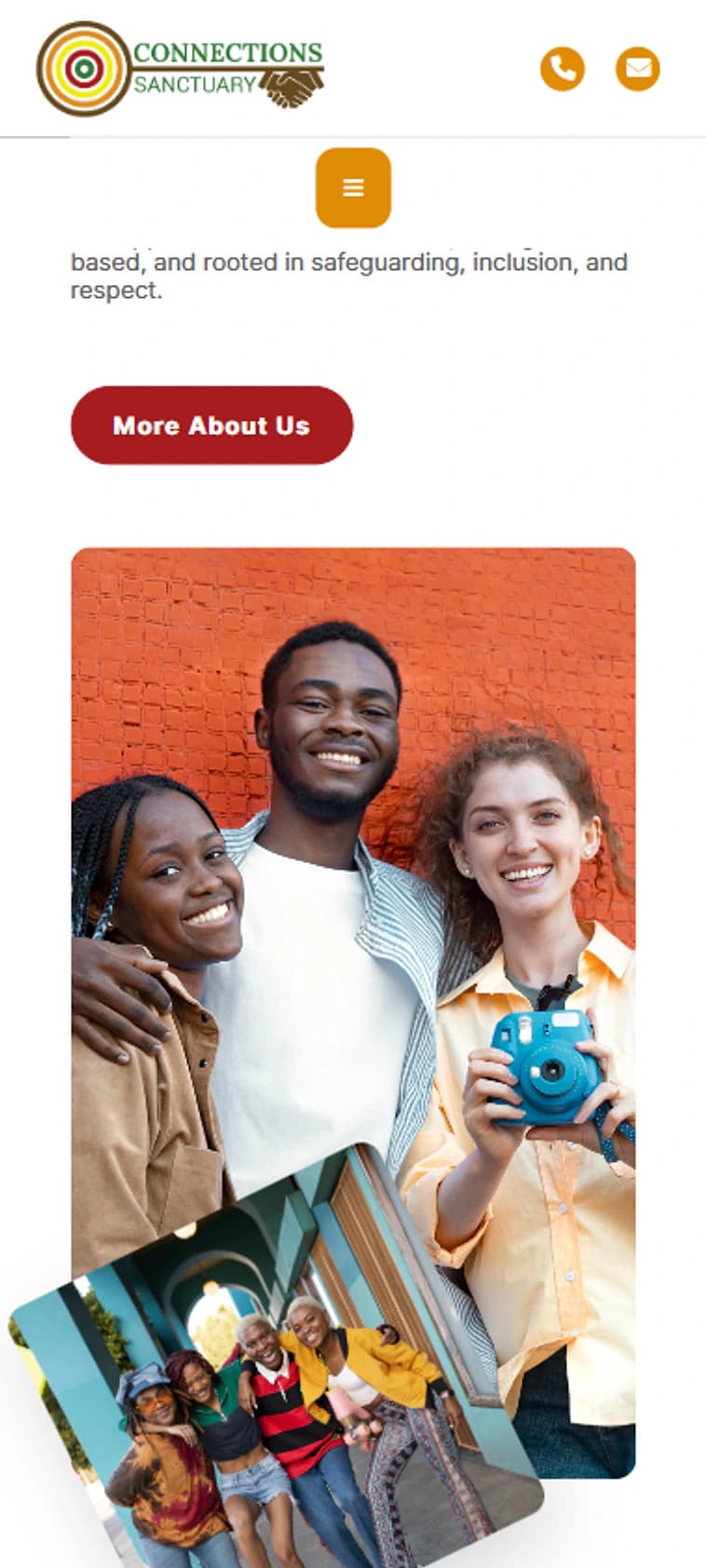
Connections Sanctuary about page imagery on mobile

Future Development

A foundation for continued operational improvement

The platform provides a foundation for continued development, including expanded content management, reporting, workflow improvements, document handling, enhanced notifications, and further integrations where operational needs require them.

Intended Outcomes

The completed platform gives Connections Sanctuary a clearer and more credible digital presence while supporting essential visitor journeys. It provides a structured foundation for communicating services, receiving placement enquiries, presenting employment opportunities, and maintaining content as the organisation develops. The website also creates a more consistent experience for local authorities, families, young people, candidates, and other stakeholders seeking information about the provider.

Visual Gallery
Connections Sanctuary website displayed on a realistic MacBook Pro mockup

Connections Sanctuary public website presented on a realistic MacBook Pro.

Next Case Study

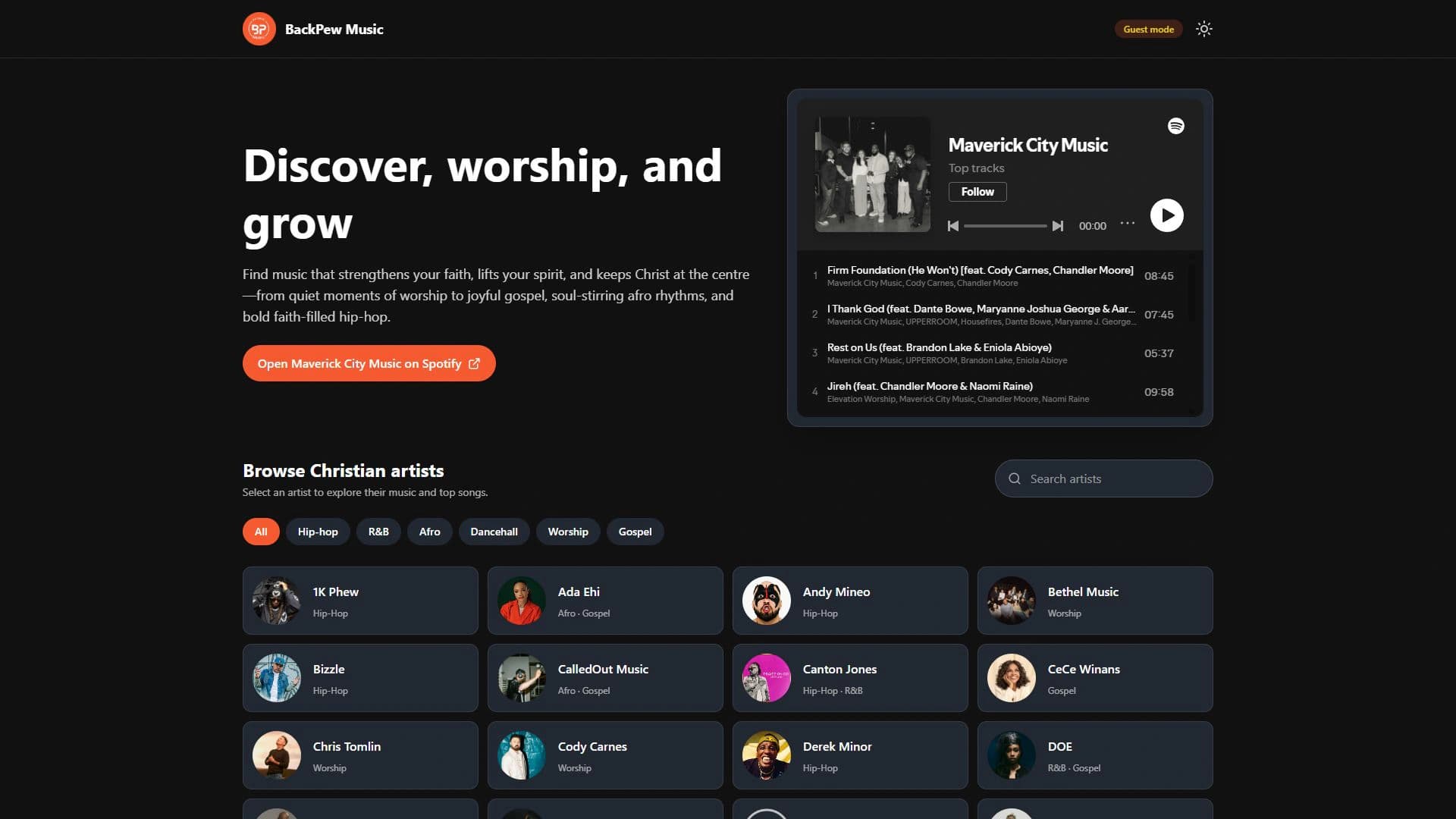
BackPew Music

BackPew Music web app featuring Maverick City Music and Christian artist discovery filters
Need A Similar Project?

Need A Platform With This Strategy